Domain Creation for Object Finding
Creating a Domain
A domain is your uploaded dataset.
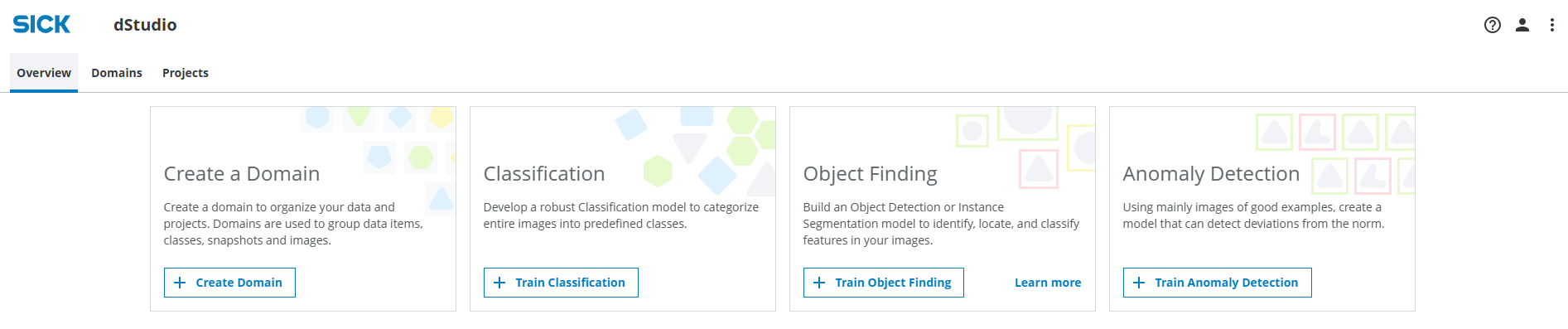
Go to dstudio.cloud.sick.com/overview and click on the Create Domain button.
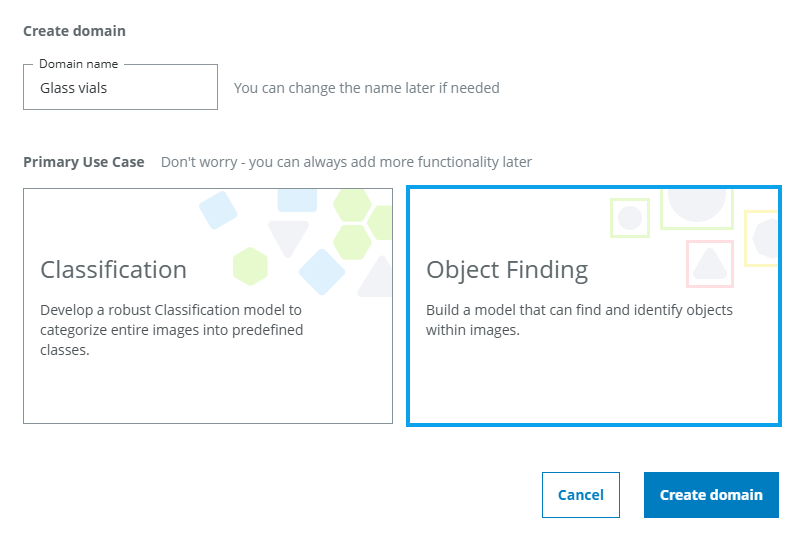
In the pop up, give the Domain a suitable name. If you are using one of the provided example datasets, you can name it based on the data set. The tutorial applications contains glass vials and dumplings with soy sauce respectively, so you can name it "Glass vials" or "Dumplings and soy sauce" If you want to use one of the example data sets and haven't downloaded it already, you can download them here: - The vials.zip data set for object finding bounding box (object detection) networks. Download the vials example data by clicking here. - The dumplings.zip data set for object finding pixel mask (instance segmentation) networks. Download the dumplings example data by clicking here.
ℹ️ This tutorial will continue with the object detection part. If you want to proceed with instance segmentation instead, the steps are the same.
Choose the Object Finding option and click Create domain, which will take you to the Domains tab.
Uploading images to the domain
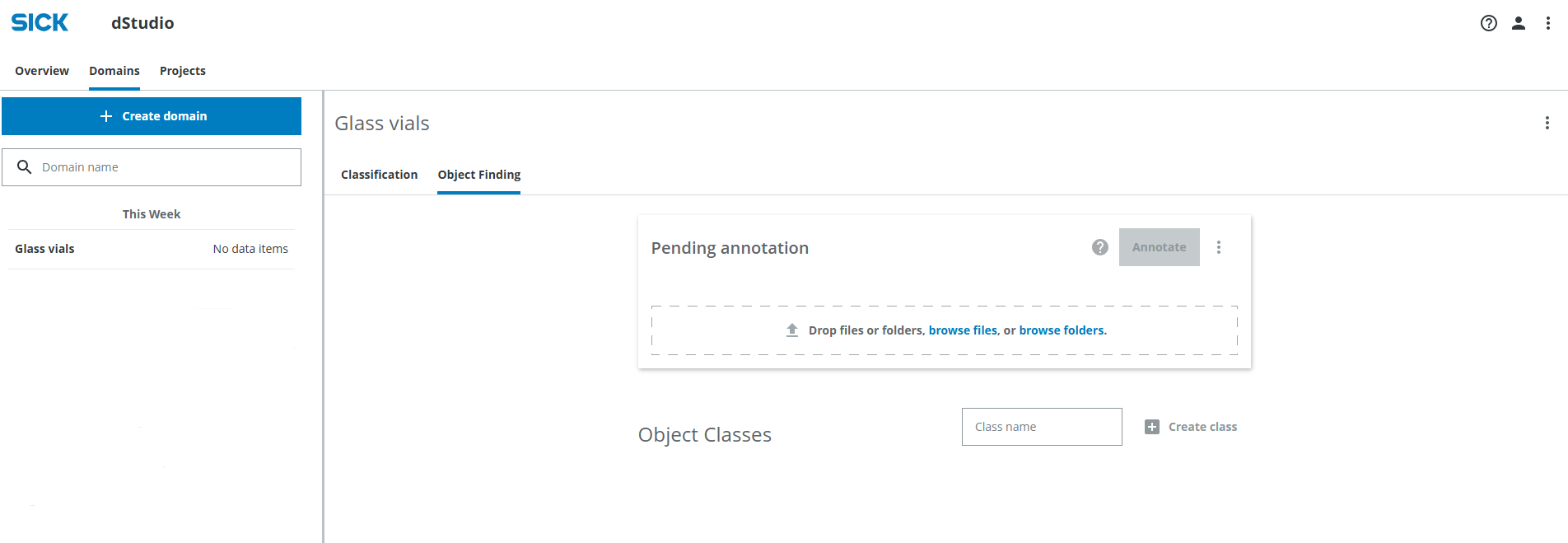
Next, you can upload the images. You can either drag-and-drop files or folders into the Pending annotation field, browse files or browse folders. In this case all images are in a single folder so you can click browse folders.
Navigate to the folder you extracted from the downloaded dataset file (vials.zip).
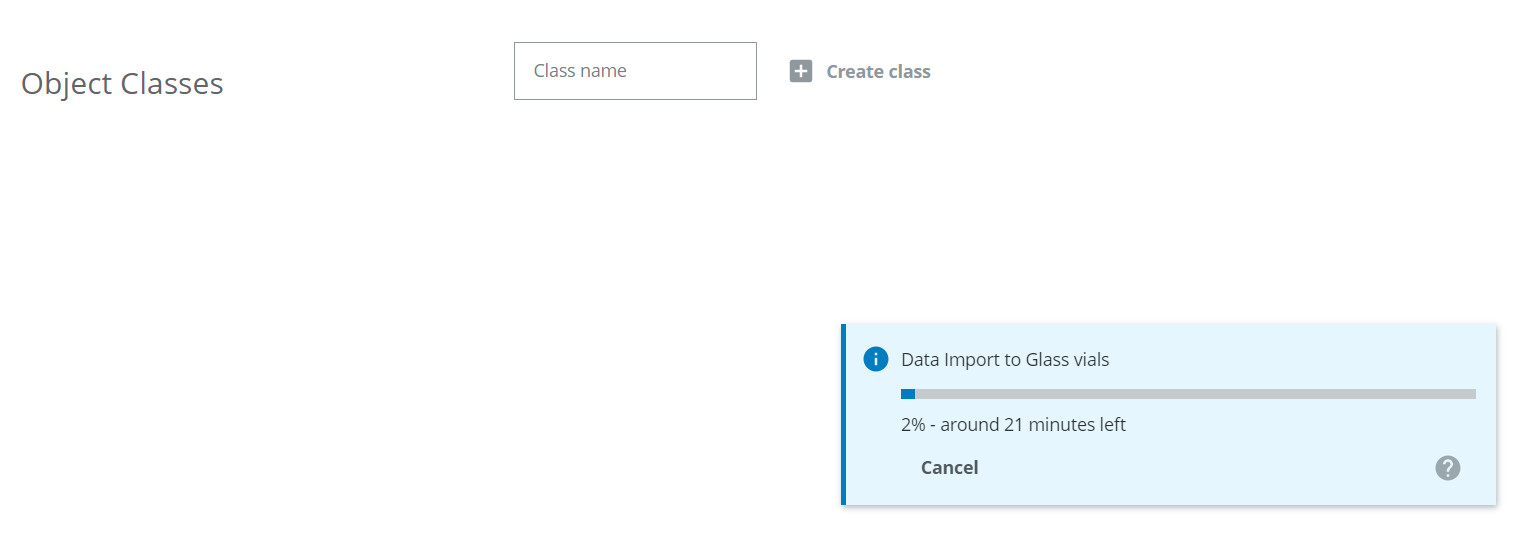
The progress of the upload is displayed in the blue pop up on the lower right.
Create classes
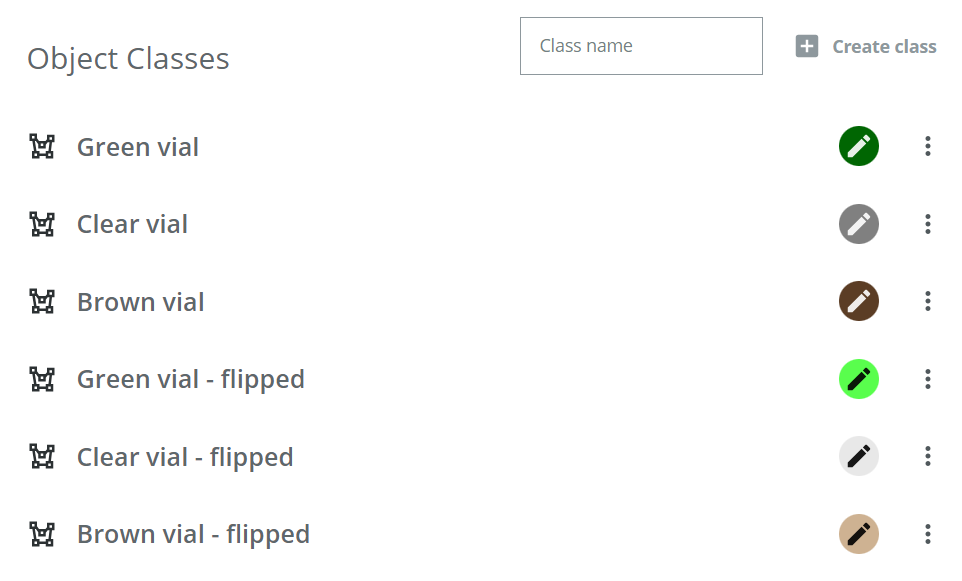
While the images are being uploaded, create the object classes. For each class, you need to enter a class name and then press Create class. For this tutorial, six classes will be used:
- Green vial
- Clear vial
- Brown vial
- Green vial - flipped
- Clear vial - flipped
- Brown vial - flipped
Change each color of the object classes to match the vial color. Use a darker green for "Green vial" and a lighter green for "Green vial - flipped", and so on.
Once the data has been uploaded, you can proceed to the annotation step.
I want to add additional information and sub-classes to my object classes
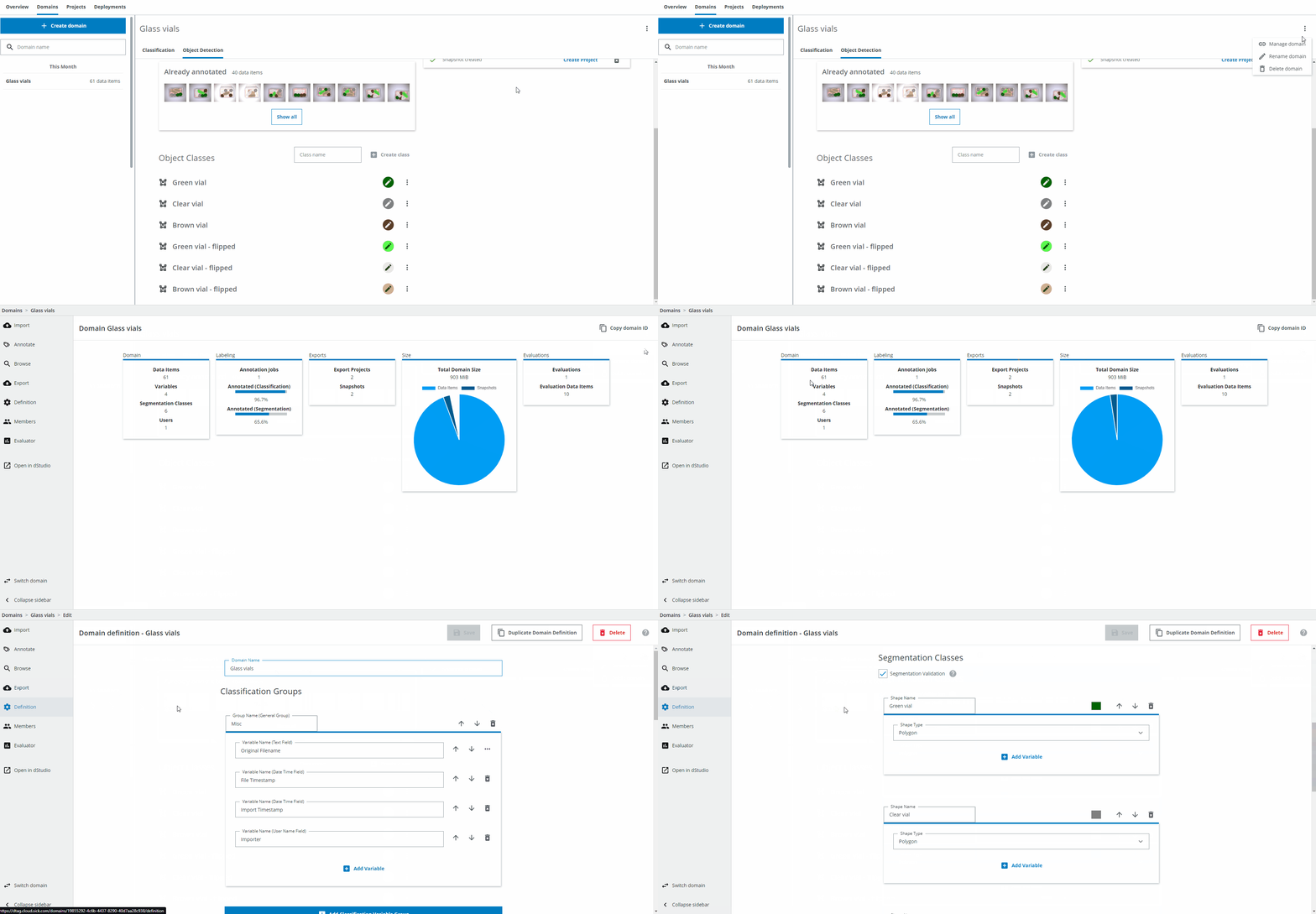
You can find more options by switching to dTag. On the right, click on the three dots symbol and click Manage domain. Then click on Definition on the left. Scroll down to Segmentation classes. Then follow the instructions in the Domain Creation in dTag section.